Introduction
Designing a Seamless Task & Report Management Dashboard
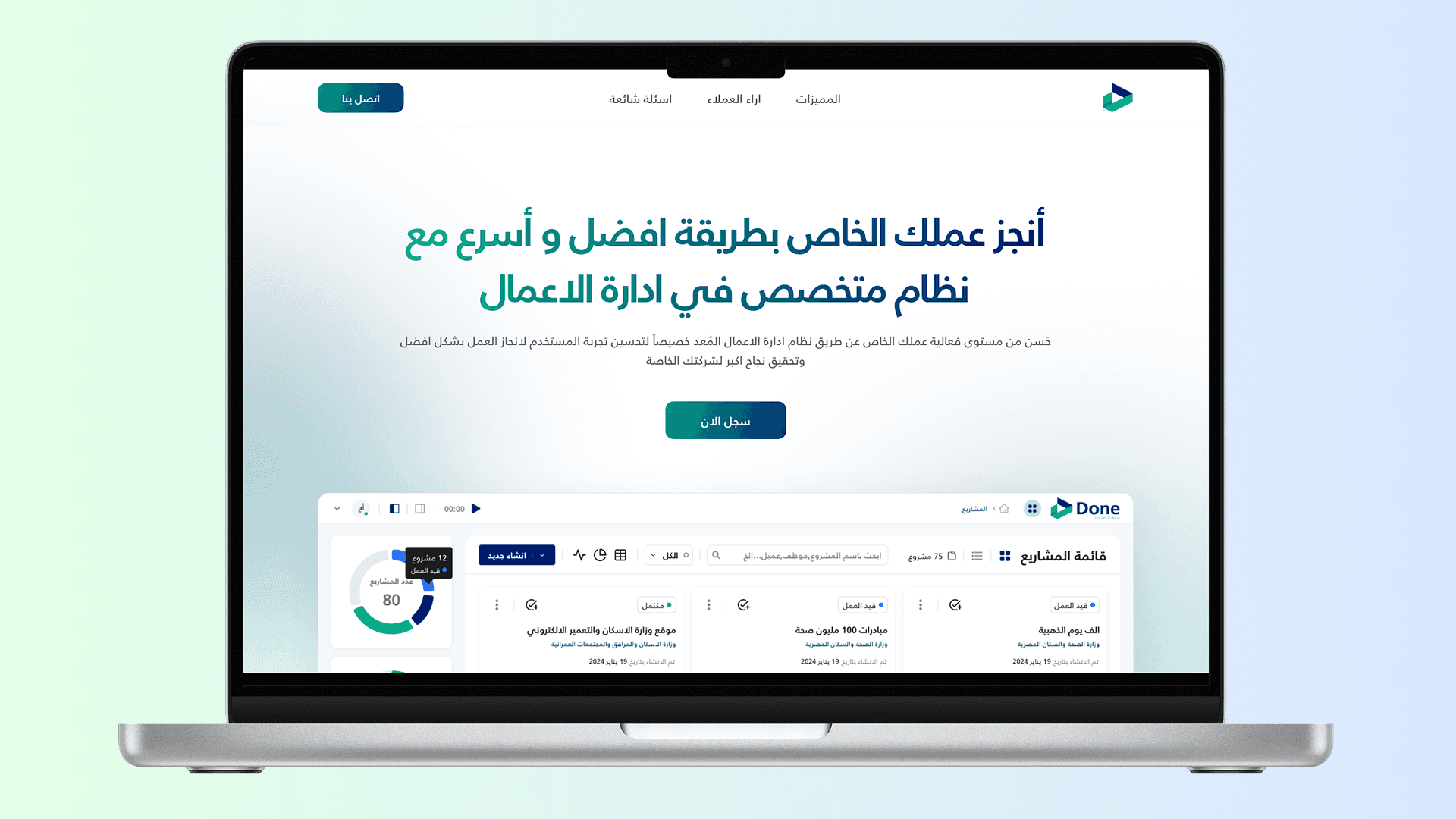
In today’s fast-paced work environment, efficiency isn’t just a luxury, it’s a necessity. Managing tasks, tracking working hours, and organizing reports should be intuitive, not a headache. That’s exactly what I focused on while designing this comprehensive Task & Report Management Dashboard.
The Challenge
The goal was clear: create a system where users can instantly grasp their workload, track progress, and access reports without unnecessary navigation. This meant reducing clutter, improving data visualization, and ensuring a seamless flow between different modules.
One of the biggest hurdles? Making sure that users don’t get overwhelmed by information overload while still having access to critical insights at a glance.
The Solution
I designed a dashboard that consolidates all essential data into one screen, eliminating the need to jump between pages. Let’s break down some of the key modules:
1. Projects Module
Handling multiple projects can be overwhelming, but this module simplifies the process by offering a clear snapshot of ongoing, completed, and delayed projects. Users can quickly assess progress percentages and drill down into details with a single click. The color-coded indicators ensure that project status is understood at a glance, enhancing decision-making efficiency.


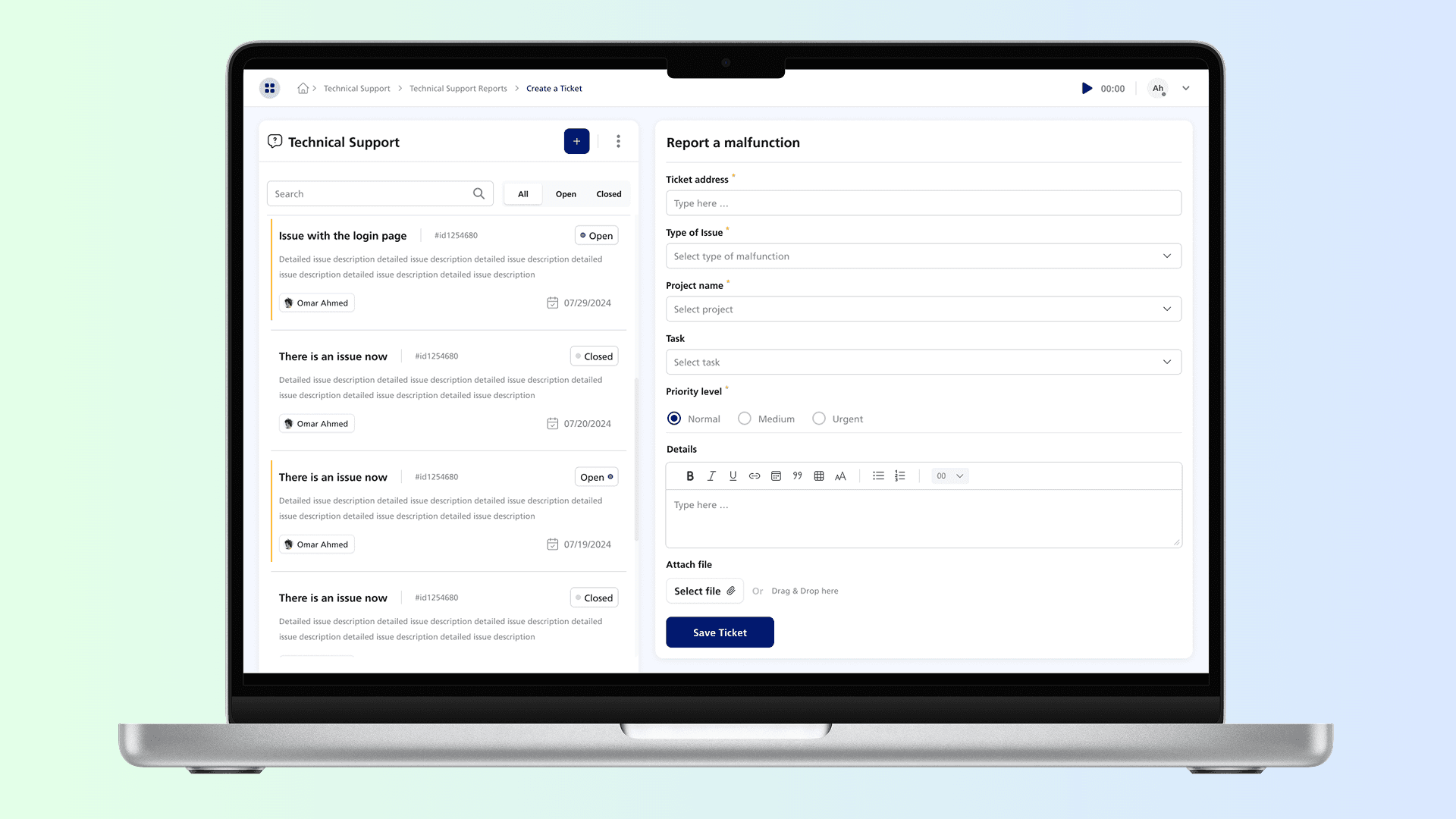
2. Technical Support Module
Support teams need real-time insights into complaints and resolutions. This module provides a structured overview of customer complaints, new tickets, and resolution rates. With built-in filtering, users can prioritize urgent issues and track overall support performance, ensuring that response times are optimized and customer satisfaction remains high
3. Video Reports Module
This module is tailored for users who need to record, upload, and manage their daily reports effortlessly. Since this is a personalized user page, filtering is simplified to a monthly-based view, keeping navigation smooth. A quick-access panel lets users start a screen recording or upload a video instantly no unnecessary steps, just efficiency.

4. Time Tracker Home Page
The time tracker module ensures that users can log and monitor their working hours efficiently. With real-time tracking, they can categorize time spent on different tasks, meetings, and breaks. The goal was to minimize manual input and automate time calculations, providing a seamless work experience.


5. Comprehensive Analytics Module
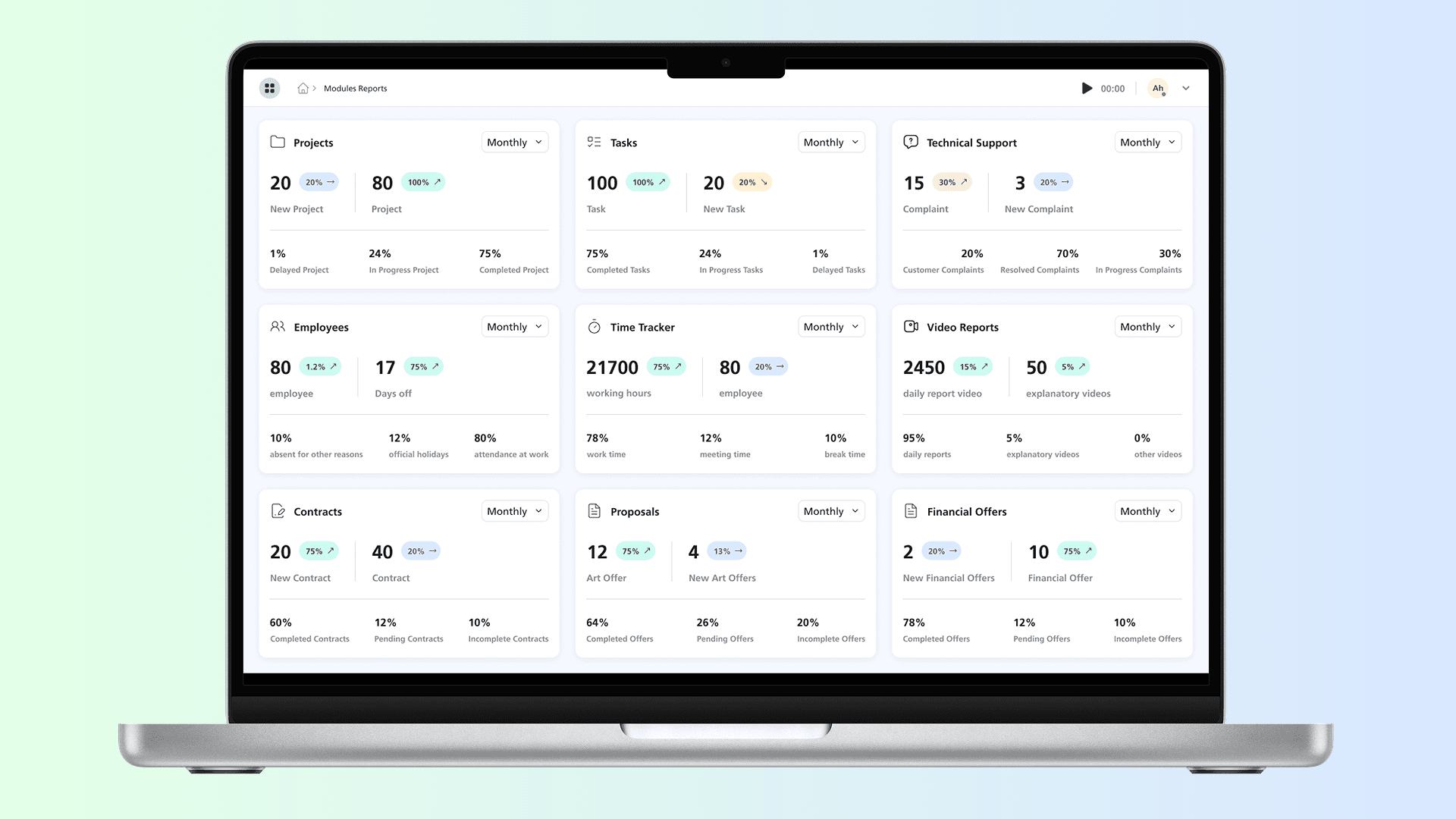
Rather than forcing users to dig through endless menus, the analytics module brings all the key metrics into a single view. Whether it’s tracking projects, tasks, time logs, or financial reports, each section offers a high-level snapshot with drill-down capabilities.
Want to see more details? Click on any card, and you’re taken straight to the relevant module.
6. Smart Navigation & User Flow
Instant Report Access: Users can filter reports by month, reducing cognitive load.
One-Click Deep Dives: Clicking on any metric takes users directly into the related system.
Real-Time Insights: Data is not just displayed but highlighted with trend indicators, showing performance shifts at a glance.
Conclusion
This dashboard isn’t just a collection of numbers, it’s a powerful decision-making tool. By focusing on clarity, accessibility, and efficiency, it enables users to spend less time searching for information and more time taking action.
With a system designed for ease-of-use, team members can now log reports faster, track their time effectively, and stay on top of their tasks without feeling overwhelmed.